AI co-producer for audio studios
Five studio specialists. Answers you can check.
Ask a mix engineer, songwriter, release marketer, tech-support lead or studio manager. Standards come with a cited source, common moves come with a way to check them by ear or meter, and taste is labelled as taste.
Opens straight into a working demo. No account, no key, nothing to install.
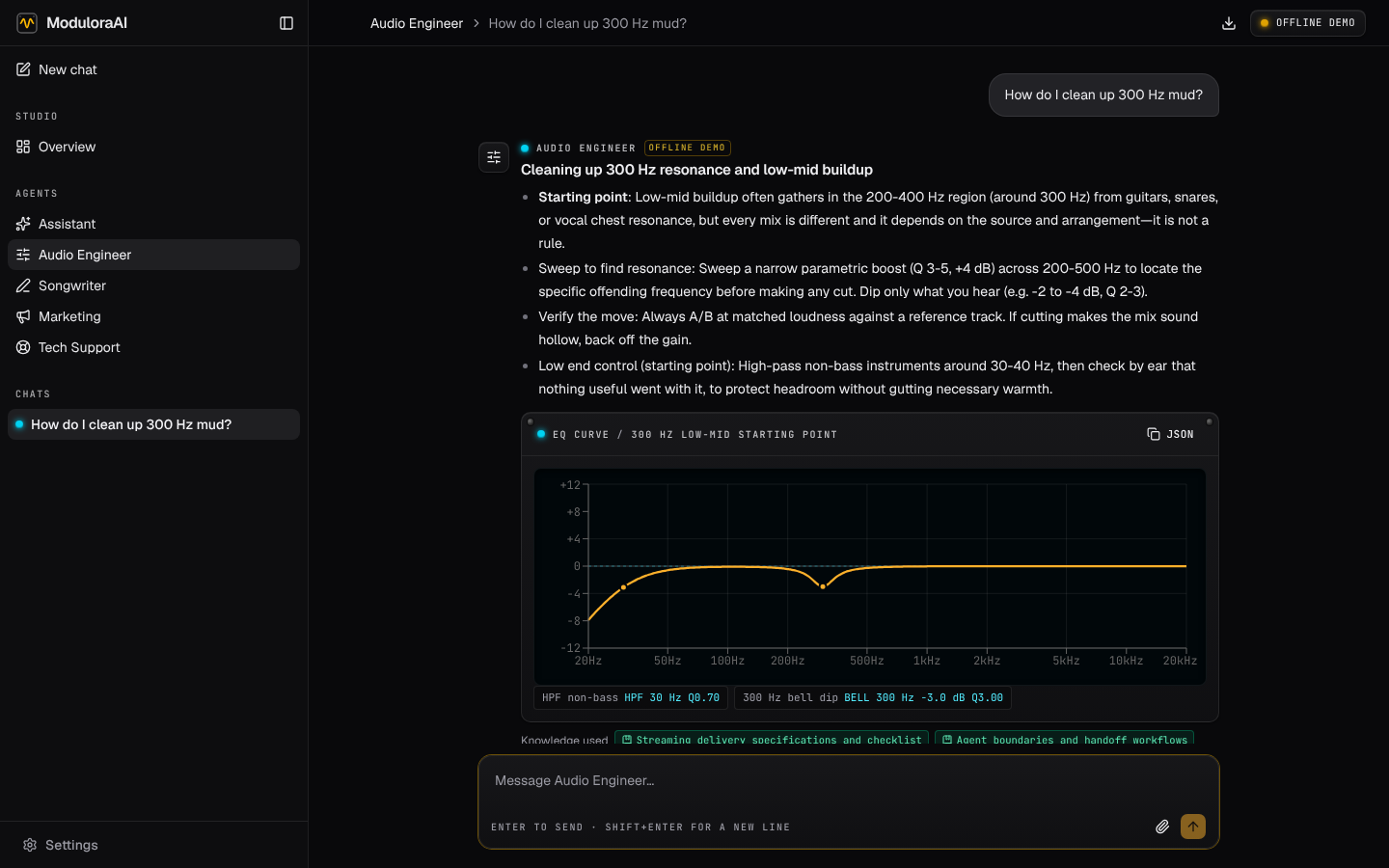
One workspace for the whole session
Each specialist knows its job, knows when to hand off, and uses your studio's rates and terms.
-
Audio Engineer
Mixing, EQ and compression, mastering chains, delivery specs. Settings arrive as a recipe card and an EQ curve you can copy.
-
Songwriter
Chords with Roman numerals, arrangements with bar counts, lyric drafts and split sheets with blank shares for the writers to agree.
-
Marketing
Release timelines, playlist pitches, short-form video plans and press outreach for each release.
-
Tech Support
DAWs, interfaces, drivers, buffer size and latency, plugin scans. Step-by-step triage when something fails mid-session.
-
Assistant
Quotes, invoices, booking emails and weekly plans with your real rates, turnaround and payment terms.
-
Measured loudness
Attach a mix: the browser measures integrated LUFS, loudness range and true peak (ITU-R BS.1770 method). Agents work from the numbers.
Honest by design
Generic tips such as “cut 300 Hz for mud” are never sold as fixes. Every agent sorts what it says into three kinds and tells you which is which.
- Standards and measurements
- Cited to a curated library: ITU-R BS.1770, EBU R128, AES, platform loudness pages and more. Unknown citations are flagged.
- Starting points
- Common practice, with how to verify it by ear or meter.
- Taste
- Stated as opinion, so you stay the producer.
Your sessions stay yours
Chats, files and your studio profile are stored in your browser, not on our servers. Export everything to one file at any time.
- · Audio is measured on your computer and never uploaded.
- · Pro sends each message to the AI model only to answer it.
- · Bring your own Anthropic or OpenAI-compatible key if you prefer, free.
Pricing
Free
$0
- ✓ Offline demo of every agent
- ✓ Bring your own Anthropic or OpenAI-compatible key
- ✓ Loudness meter, recipe and EQ cards
- ✓ Export and import all your data
Pro
$19 / month
- ✓ Everything in Free
- ✓ Claude Sonnet 5.5 hosted for you: no API key, no setup
- ✓ A generous monthly allowance for daily studio work
- ✓ Cancel any time
Coming soon
Pro opens soon. The free app works in full today.
Questions
Can it listen to my mix?
No. It measures attached audio (loudness, loudness range, true and sample peak) and gives the agent those numbers. It does not hear the audio, and it says so.
What does the monthly allowance cover?
Hundreds of typical replies a month. Settings › Account shows how much you have used. If you run out, it resets on the 1st, and you can use your own key in the meantime.
Where are my chats stored?
In your browser. Clearing site data deletes them, so use Settings › Data › Export for backups. Sync across devices is on the roadmap.
Is the advice always right?
No AI is. That is why claims are labelled and standards are cited: you can check them. Trust your ears and meters over any tool.